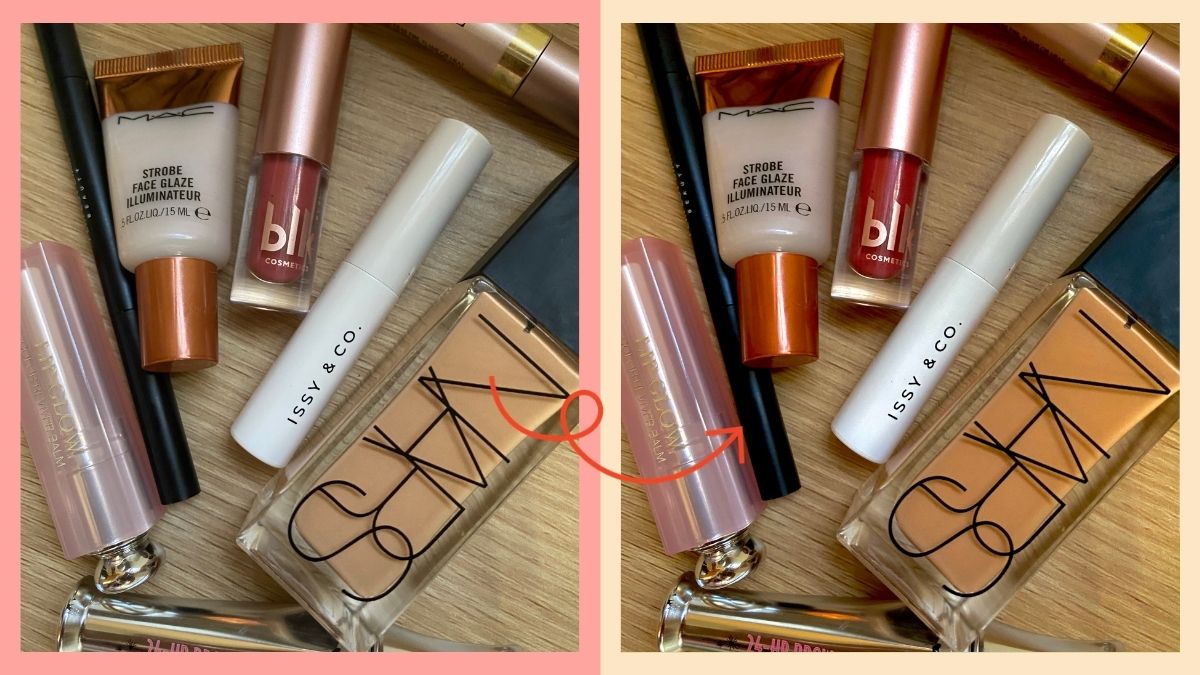
I've been experimenting with different photo editing apps lately. I love posting #aesthetic photos on my IG Stories and Instagram feed. I believe it's because I miss doing physical shoots for work, and my little mobile photography project can fill in the void.
READ: Thinking About Buying The iPhone 15? Here's What You Need To Know
As I was looking at my IG Explore feed, I saw a post that teaches how to edit the pics using iPhone's Photo app. I tried it on a couple of photos, and I swear it's legit! You don't need to look for filters anymore. It's basically this:
How to edit using iPhone Photos App
- Exposure: +100
- Brilliance: +100
- Highlight: -30
- Shadow: -21
- Contrast: -24
- Brightness: -32
- Black Point: +16
- Saturation: +14
- Vibrance: +8
- Warmth: +10
- Tint: +17
- Sharpness: +5
- Definition: +8
- Brilliance: 0
- Exposure: +1
iPhone Photo Editing App Results
Before
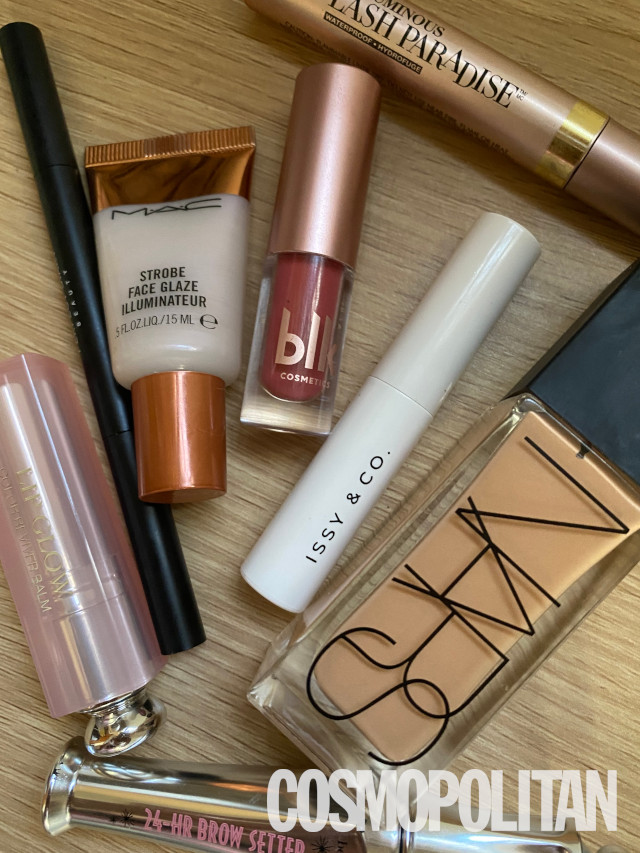
Courtesy of Ira Nopuente
ADVERTISMENT - CONTINUE READING BELOW ↓
After
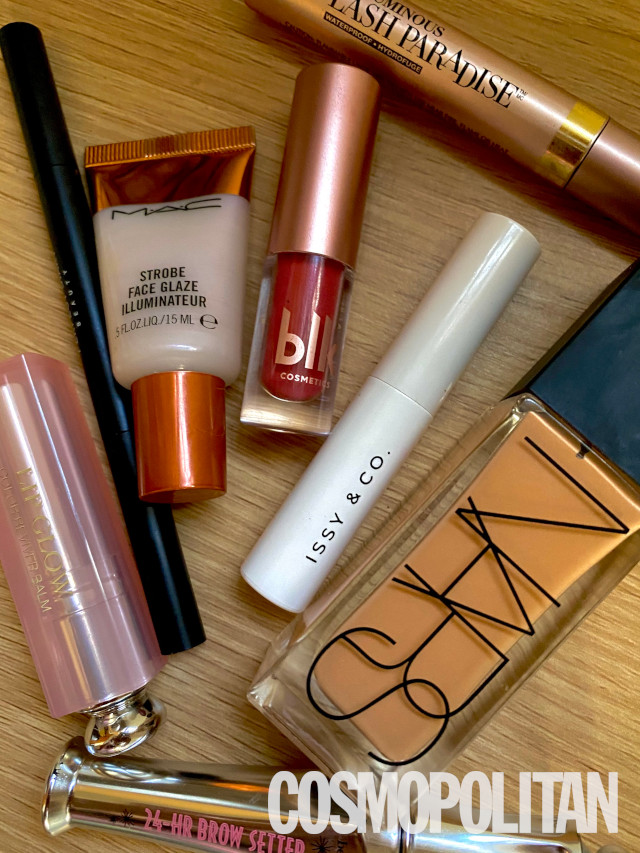
Courtesy of Ira Nopuente
Before
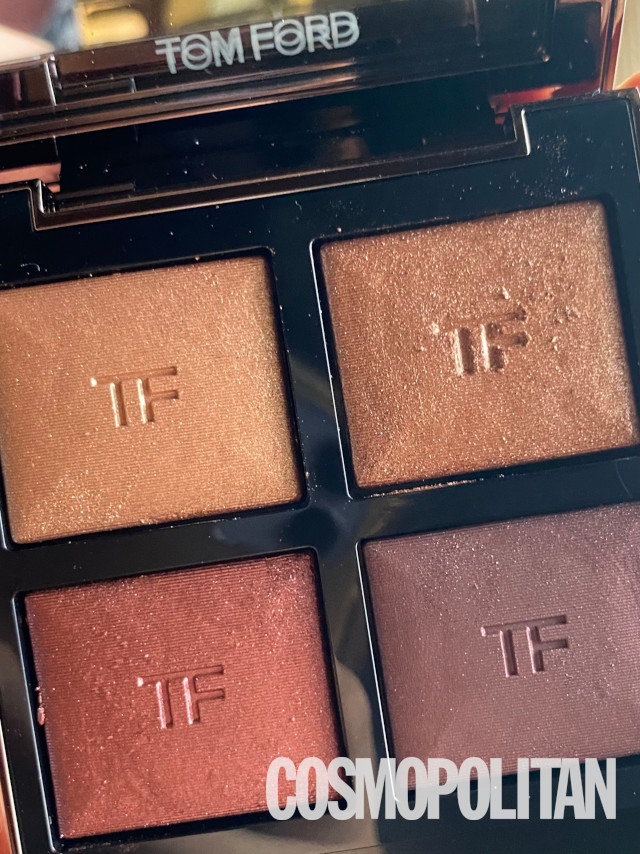
Courtesy of Ira Nopuente
After
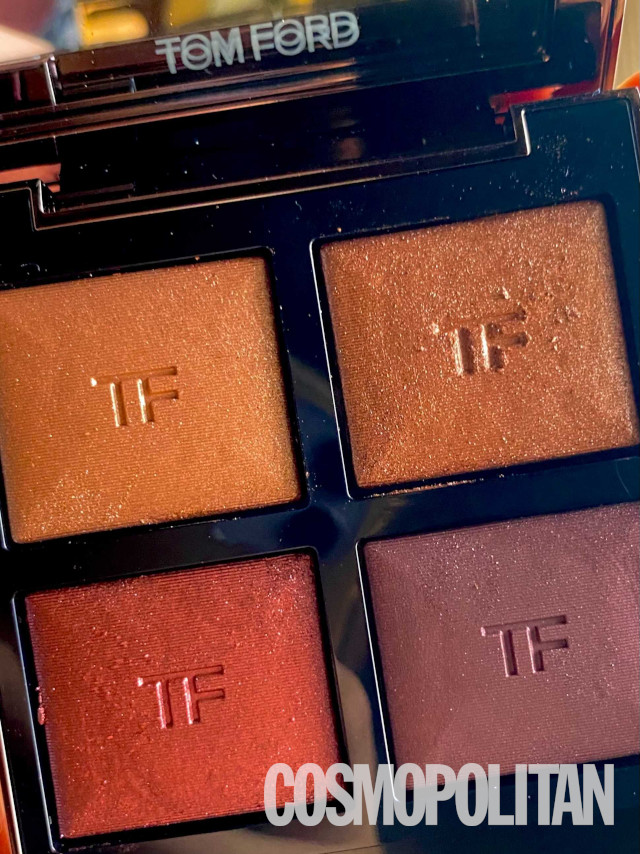
Courtesy of Ira Nopuente
Check out the iPhone photo editing hack below:
CONTINUE READING BELOW ↓
watch now
Follow Ira on Instagram.
***