In a blooming digital age where an enticing IG aesthetic is most preferred, people aren't just meticulously editing and curating their photos for their Instagram feeds anymore. These like-worthy, eye-candy posts are making their way onto IG stories as well. What was once a space reserved for random, acceptable throw-away photos and videos depicting your more candid everyday life is now transitioning into a space for self-expression and creativity through carefully templated and designed stories and highlights. While both types of posts are valid depending on the way you choose to use your IG story feature, if you're interested in veering towards the latter, more curated story feed, check out this list of editing apps that will help get you started.
1. Unfold
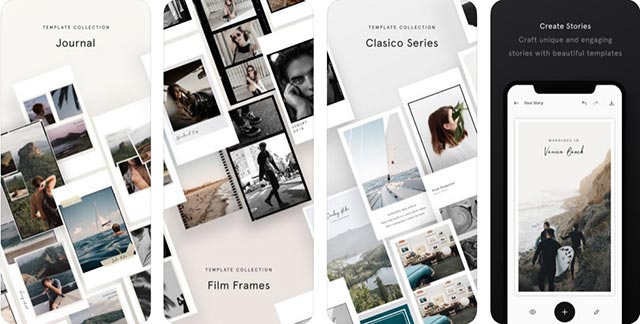
A go-to IG story app, Unfold is a beginner-friendly editor built with a simple and self-explanatory interface. The app comes with over 150 templates to choose from with designs such as film frames and ripped pages, all available on premium mode. But its free version is also equipped with quite the number of selections sufficient enough for you to play around with. You can also edit your photos with advanced text tools, fonts, and special in-app stickers and filters before sharing your story directly to Instagram.
2. Made
Collage your photos on IG stories with Made. Aside from the usual collection of templates and filters, the app also provides its users with a selection of colorful, custom backgrounds to make sure your post is a cut above the rest. You'll also never get tired of this app as it promises to add in new templates every month to keep your stories fresh and unique.
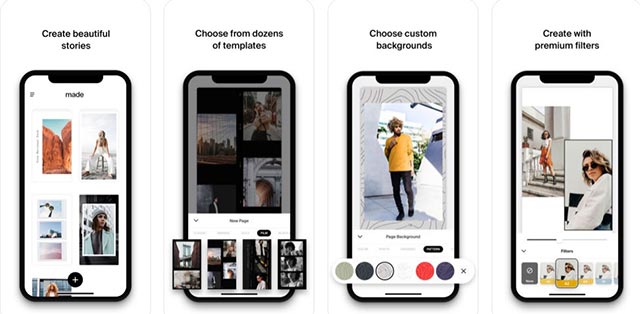
Available on iOS
3. A Design Kit
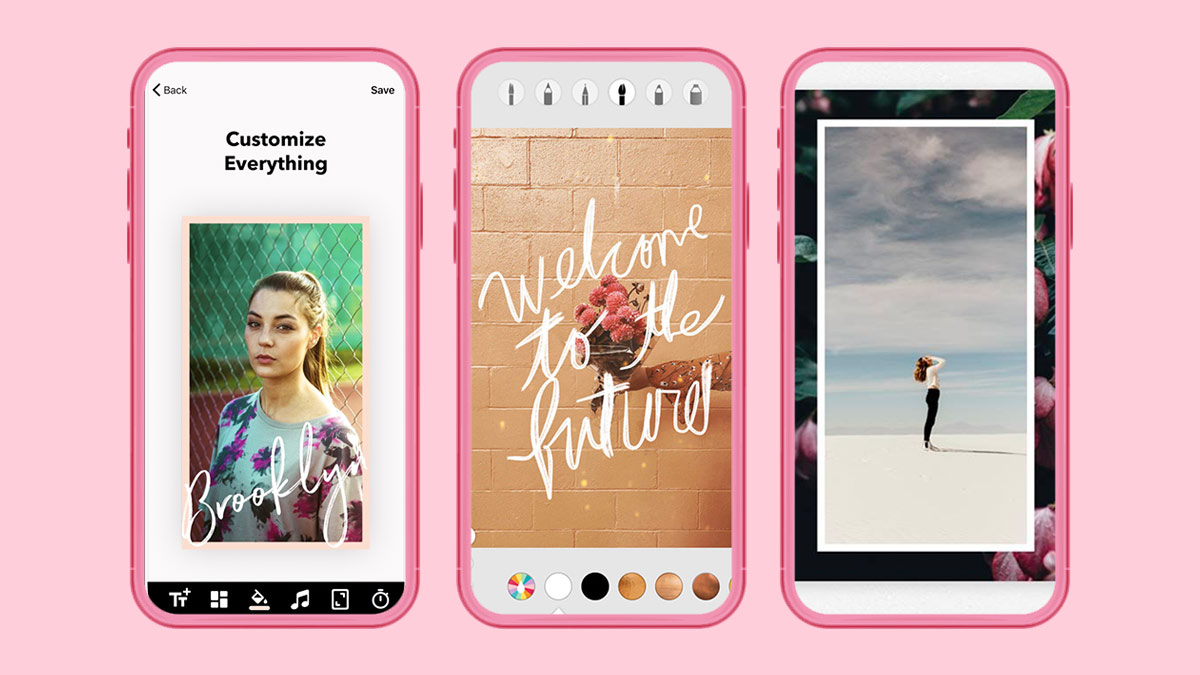
If you're the artsy, maximalist type who's big on brush designs and word art, A Design Kit may be the app for you. Decorate your photos with a variety of stickers and paint strokes, or illustrate your own with its brush tools.
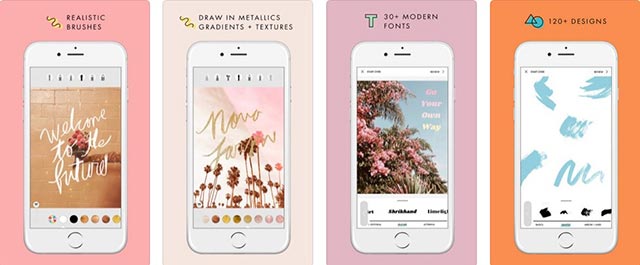
Available on iOS
4. Mojo
Mojo's all about the abundance of choice. Downloading the app will give you access to over 100 different templates, animated text effects, and 100 unique text styles, which can all be available to you on their premium mode. If you're not satisfied with their in-app selection, with Mojo Pro, you can even import your own fonts and logos. Much like Made, Mojo also promises to continue innovating buy adding brand new templates and text styles every month. It's almost impossible to get tired of this app!
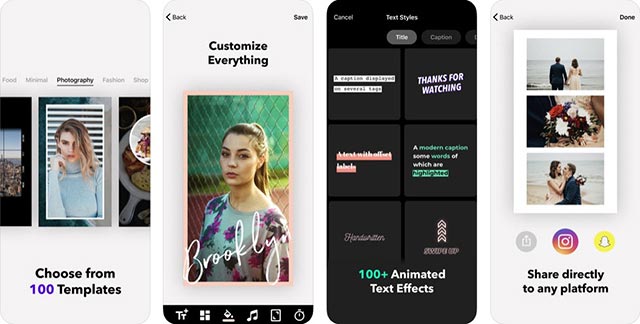
Available on iOS
5. StoryArt
If you're a sucker for no-fuss, gorgeous, and easy-to-use templates, Story Art's got you covered. The app is equipped with templates sorted by theme, depending on the type of mood you'll want your story to convey. Categories, each with their own selection of customizable templates, include Minimal, Film, Watercolor, and Girlish, among others.
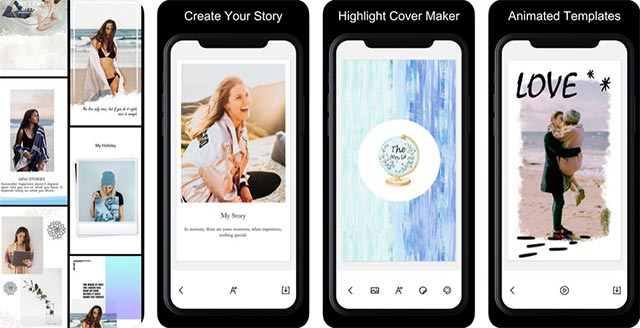
6. Canva
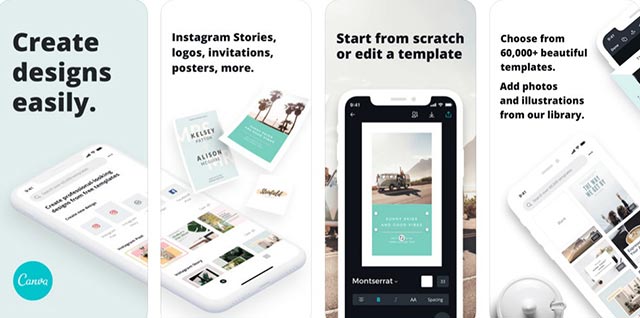
Speaking of templates, there's absolutely no shortage of unique designs and photo spreads from Canva. With over 60,000 free templates and over 700 font options, the app goes beyond IG stories, as its various features and tools are also compatible for creating Facebook covers, Twitter banners, YouTube thumbnails, cards, evites, and more!
7. StoryLuxe
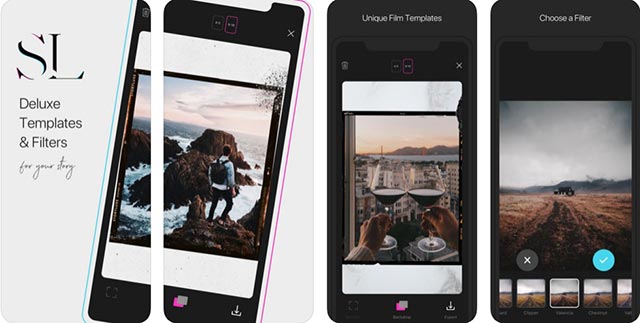
Enhance your IG stories with StoryLuxe. Widely famous for their film templates, the app is also built with themed templates ranging from a romantic vibe, to collages, to neon stories, and more! It also comes with free filters and backdrops to further grow your own personal IG aesthetic.
Available on iOS
8. Over
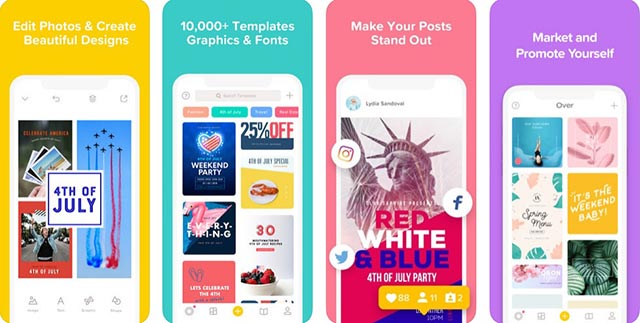
Build a strong brand identity on your Instagram with Over. The app comes with a myriad of professionally designed templates, which you can all edit and play around with to your liking. You can also embellish your photos with filters, graphics, and fonts unique to Over. Not only this, if you're on the constant lookout for new ways to enhance your brand's content, just head on over to their Discover feed to get tips, tricks, and trends from their in-house team of experts.