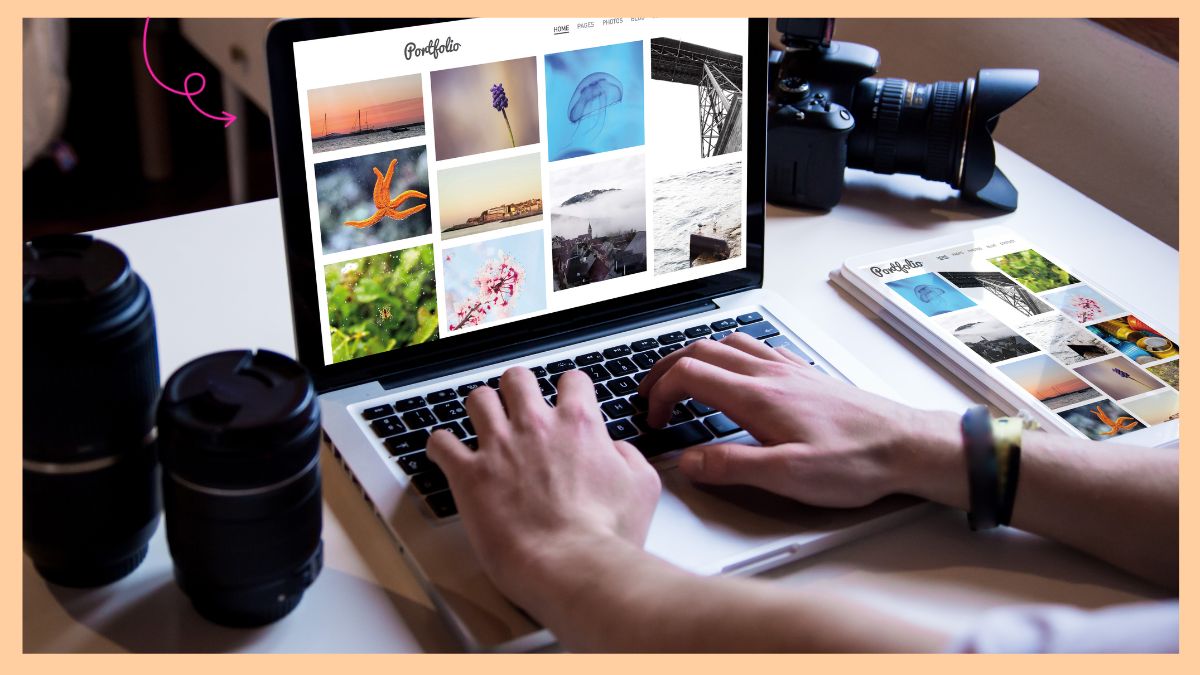
Creating an online portfolio is a lot like online selling—it's an art form where you think about your audience, while also making sure it's easy to access while still being able to properly show off your skills. In today's world where many jobs and opportunities are moving online, having an online portfolio is becoming more and more important. People are looking for talent—not just in person but also in the digital space.
Whether you want to start freelancing, or a company needs you to have a portfolio for a job application, or if you simply want to keep your work organized for the future, making an online portfolio can be a great next step after your resume and cover letter.
Below, we break down why having an online portfolio is important, plus the best websites you can use to create your own ASAP. Keep on scrolling to learn more:
Why is having an online portfolio important?
An online portfolio gives you a creative way to show your work, allowing you to highlight your skills and experiences in a more engaging way. Unlike a regular resume, which gives a snapshot of your qualifications, a portfolio allows you to present your projects with visuals, videos, and interactive elements. This can help potential employers or clients see your work in action.
Having an online portfolio also boosts your chances of getting noticed in a crowded job market. Many recruiters search for candidates online, and a portfolio increases your chances of being found. It helps you build your personal brand, allowing you to express your unique style and identity.
LIST: Websites you can use to set up your online portfolio
1. Wix
Wix is a user-friendly website builder that allows you to create professional websites—even without coding knowledge. You'll appreciate its intuitive drag-and-drop interface and extensive template library, making it easy to design an attractive site. Wix also offers built-in SEO tools to help improve your site's visibility online.
However, there are some drawbacks to consider. Once you've built your site, changing templates can be challenging, which may limit your flexibility in the long run. Another thing to note is that migrating a Wix site to another platform can be difficult, potentially causing issues if you decide to switch platforms in the future.
2. Behance
Similar to Instagram, Behance is a site where you can post photos and videos to your profile—except it's mostly for professional purposes. It offers a clean, visually focused layout that puts your projects front and center. The platform also provides opportunities to connect with potential clients and collaborators worldwide.
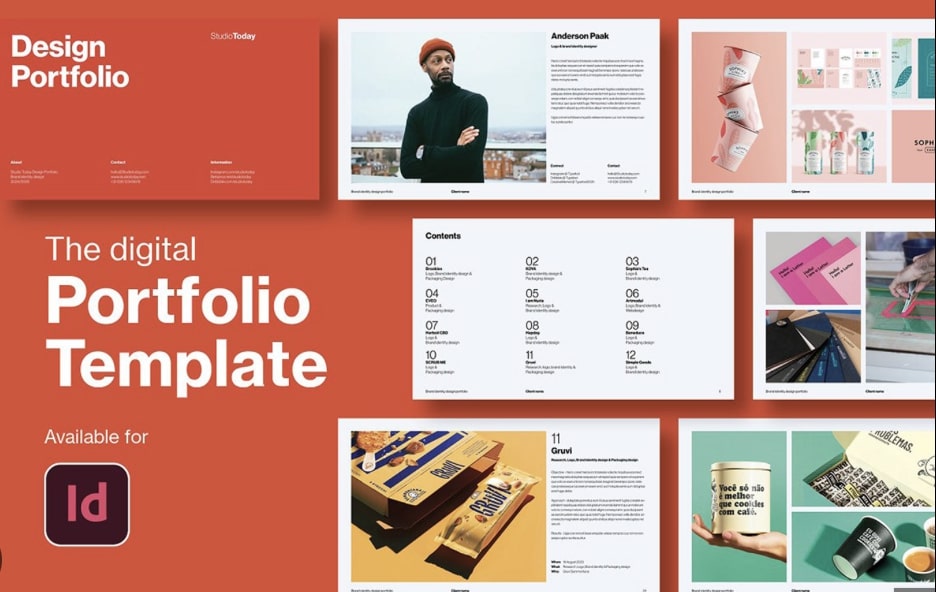
On the downside, Behance can be quite competitive due to the high number of users, making it challenging for your work to stand out. It's primarily a portfolio site, so it lacks features like e-commerce capabilities if you're looking to sell to potential customers directly. Furthermore, customization options for your profile are limited compared to having your own website, which may restrict your ability to fully express your brand.
3. Notion
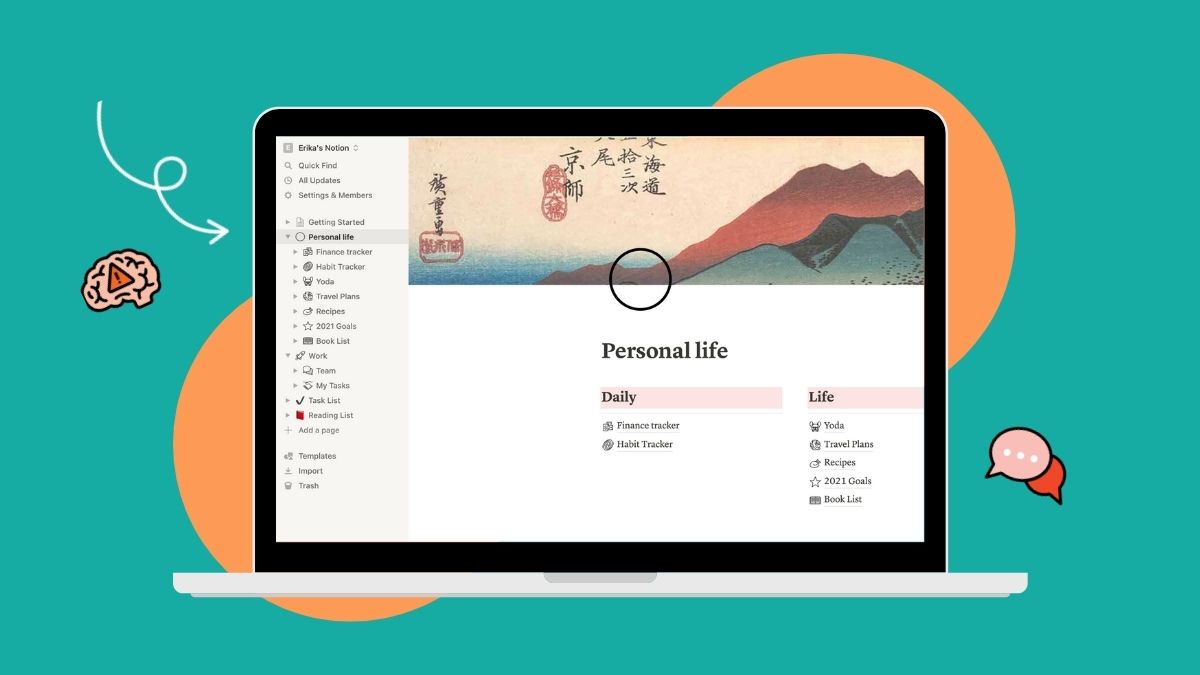
Notion is an all-in-one workspace that combines note-taking, project management, wikis, and databases. Its flexibility allows you to create a tailored system for personal or team productivity. You'll find its ability to link and relate different types of content particularly useful for organizing complex information and workflows.
However, Notion's versatility comes with a steeper learning curve compared to more specialized apps. New users might find it overwhelming at first. Another consideration is its limited offline functionality, which can be inconvenient if you frequently work without internet access.
READ MORE: I Tried An App Called 'Notion' & It Changed The Way I Work
4. Canva
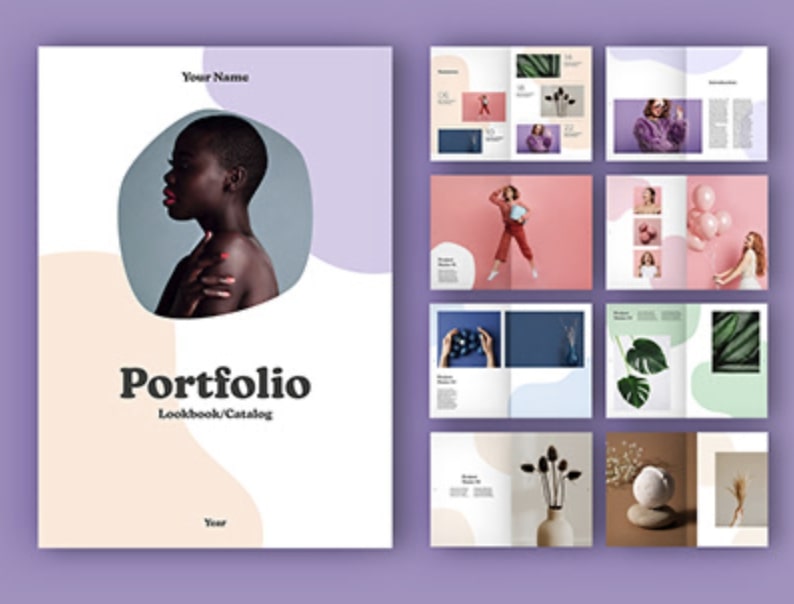
Canva is a graphic design platform that enables users to create a wide range of visual content easily. Its user-friendly interface and vast library of templates and design elements make it accessible for both beginners and professionals. The platform's collaboration features are particularly useful for team projects.
Despite its many strengths, Canva has some limitations. Advanced designers might find it restrictive for more complex projects that require precise control. While the free version offers many features, the best templates and elements are often part of the paid plans, which can be frustrating for some users.

5. Squarespace
Squarespace is a website builder known for modern designs and all-in-one functionality. It offers visually stunning templates and robust e-commerce features, making it excellent for creating professional-looking websites. The platform's built-in analytics and SEO tools are valuable for tracking and improving your site's performance.
However, Squarespace's emphasis on design can sometimes come at the cost of flexibility. The platform's pricing is also generally higher compared to some competitors, especially for more advanced features and e-commerce capabilities.